 ProofCam
Cleaning
Timestamped photos for cleaning jobs
Take a photo of each room when you arrive and again when you finish. ProofCam stamps the date, time, address and your note onto every photo, so the host or client sees when the work was done and what it looked like.
For: House cleaners, rental turnovers, office and commercial cleaning, carpet and window cleaning, pressure washing.

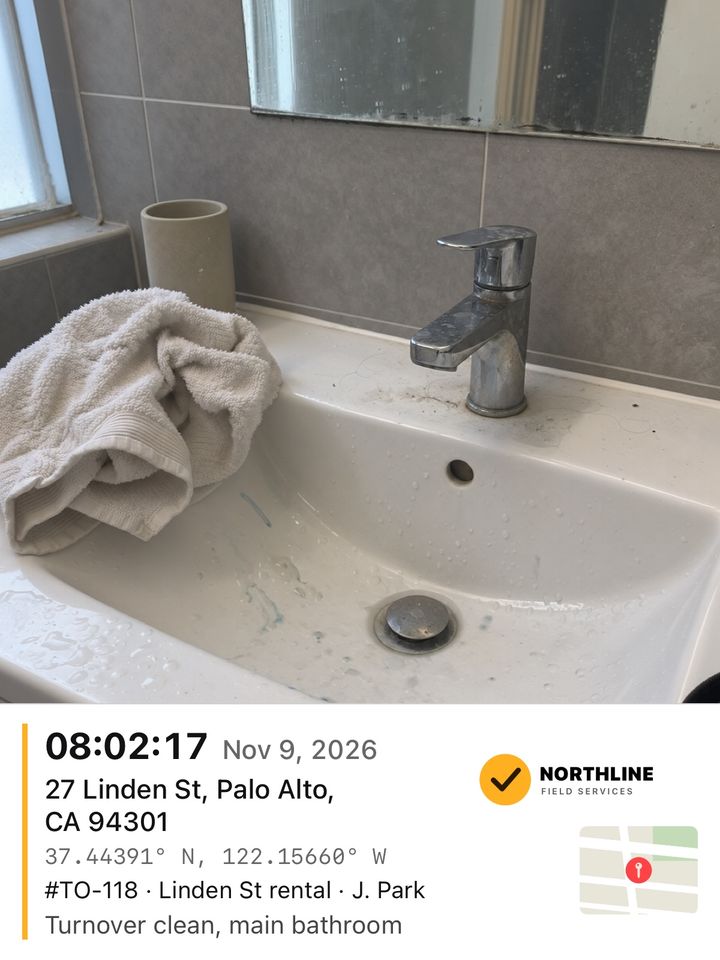
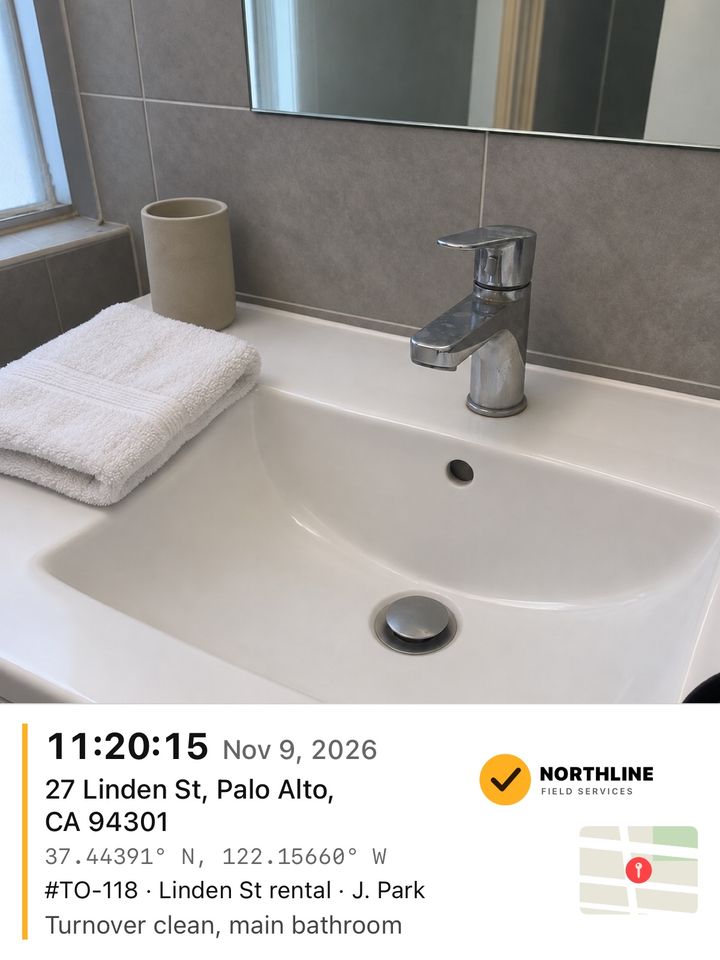
Rental bathroom sink, before and after a turnover clean, 27 Linden St, Palo Alto.
Sample scenes made with AI for this site. The stamps were made by ProofCam itself, with fictional addresses.
What to photograph
- Every room as you find it, from the doorway, before you touch anything.
- Close photos of damage or stains you find on arrival, so it is clear they were already there.
- The same rooms when you finish, from the same spots. Before & After lines the second photo up with the first.
- Anything the client asked for specially: inside the oven, under the beds, the balcony.
What does the work
Before & After keeps the two photos together with their own times, and the job report (Pro) turns them into one PDF the host or client can open on any phone.
Good to know. A stamp is a record of when and where your iPhone took the photo. It is not a legal certification. Location comes from GPS and can be approximate, and the address needs a connection.
Other kinds of work
Take your first
stamped photo